Powerful New CSS Techniques and Tools
The hard work of front-end designers never ceases to amaze us. Over the last months, we’ve seen Web designers creating and presenting a plethora of truly remarkable CSS techniques and tools. We have collected, analyzed, curated and feature latest useful resources for your convenience, so you can use them right away or save them for future reference.
Please don’t hesitate to comment on this post and let us know how exactly you are using them in your workflow. However, please avoid link dropping, but share your insights and your experience instead. Also, notice that some techniques are not only CSS-based, but use HTML5, JavaScript, or JavaScript-libraries as well. Thanks to all featured designers and developers for inspiring, hard work.
CSS Techniques
Rotational Sliders
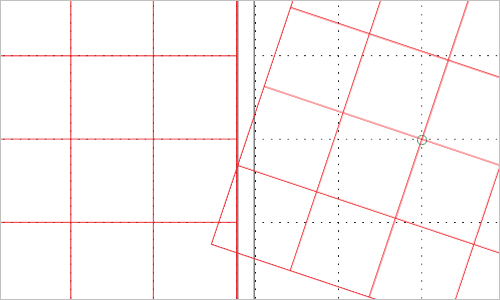
Eric Meyer shares six of his animated transforms that are capable of sliding around to a particular extent with non-centered transform origins.
Generating Organic Randomness with Prime Numbers and CSS
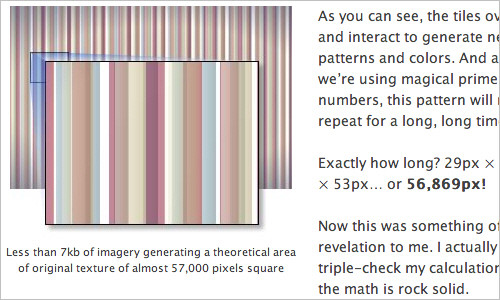
At first, you may be wondering why the heck is Alex Walker talking about cicada’s and Web design. Once taking a closer look, a sort of connection between the two evolves and a ‘cicada principle’ is born.
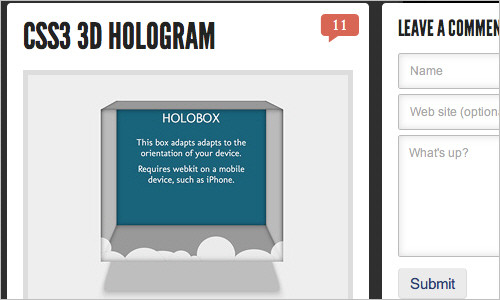
CSS3 3D Hologram
Being inspired by holographic effects that can be achieved with HTML/CSS, Hakim El Hattab has developed his own 3D box which alters perspective depending on device orientation. Note that this requires a webkit browser and has only been tested on iPhone. Also make sure to visit more of Hakim’s CSS/HTML5 experiments.
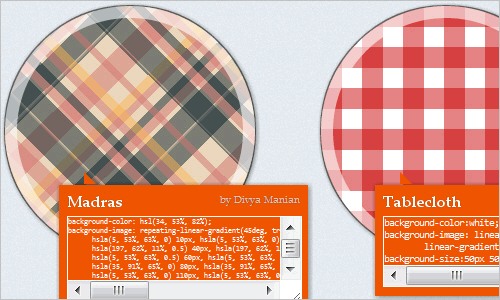
Checkerboard, striped & other background patterns with CSS3 gradients
You’re probably familiar with CSS3 gradients by now, including the closer to the standard Mozilla syntax and the verbose Webkit one. I assume you know how to add multiple color stops, make your gradients angled or create radial gradients. What you might not be aware of, is that CSS3 gradients can be used to create many kinds of commonly needed patterns, including checkered patterns, stripes and more. Also, check out Lea’s CSS3 Patterns Gallery</a.
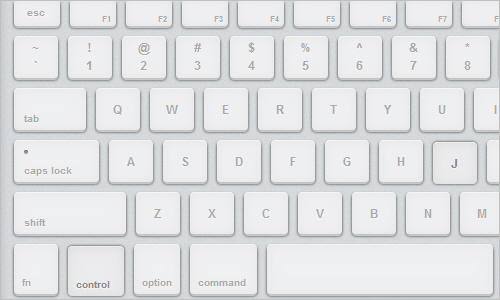
CSS3 Keyboard
Click in the box and start typing on your computer’s keyboard. Cleverly developed by Dustin Cartwright and Dustin Hoffman. You’ve got to respect the amount of time and effort which went into producing this demo.
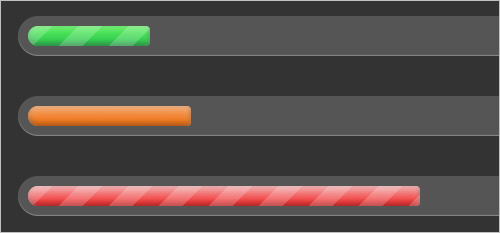
CSS3 Progress Bars
A couple of nice progress bars created by Chris Coyier that use no images — just CSS3 fancies. In browsers that do not support CSS3, these progress bars will look more simplified.
Hover on “Everything But”
A tutorial by Chris Coyier which shows us how easy adding a hover state to an element can be. In this case, the hover state is applied to everything but the element actually being hovered over.
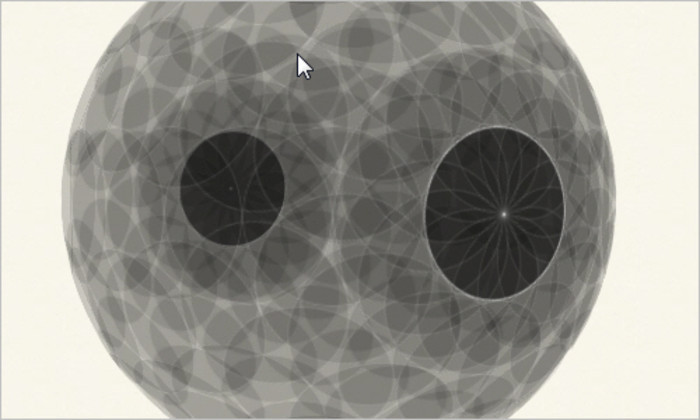
Creating a Sphere With 3D CSS
With CSS3’s 3D transforms it’s possible to create a sphere-like object, albeit with many elements. Paul Hayes shares his version of a 3D CSS sphere (works in the latest Safari and iOS) and provides us with the coding needed.
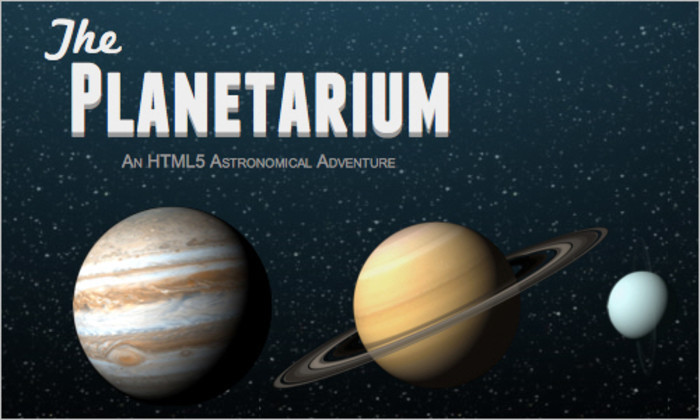
CSS3 Planetarium
This demo highlights leading edge CSS3 and HTML5 features that Mozilla Firefox and the open web community push into modern Web browsers.
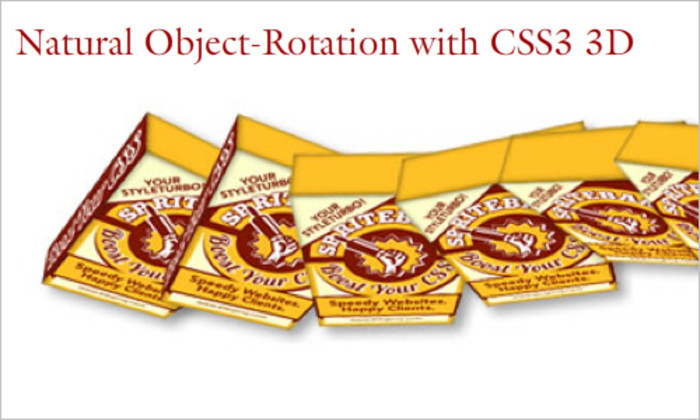
Natural Object-Rotation with CSS3 3D
A tutorial by Dirk Weber that teaches us how to build a 3D packshot in HTML and CSS by applying some CSS 3D-transforms. By adding some Javascript, we can make the object freely rotatable in 3D space. And as we will enhance our Javascript with some touch-interactivity, the packshot will also work nicely in Safari for iOS-platforms like iPhone or iPad.
CSS Drop-Shadows Without Images
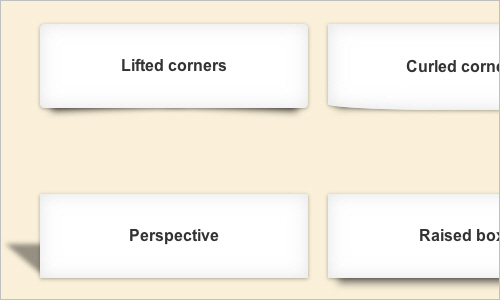
Nicolas Gallagher shares presents his CSS drop-shadows without any images.
Incrementable Length Values in Text Fields
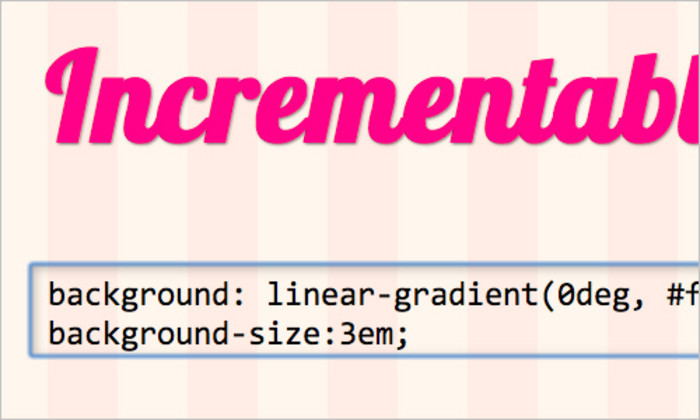
Lea Verou explains how to implement a feature that allows you to increment or decrement a <length> value by pressing the up and down keyboard arrows when the caret is over it.
Beveled Corners & Negative Border-Radius with CSS3 Gradients
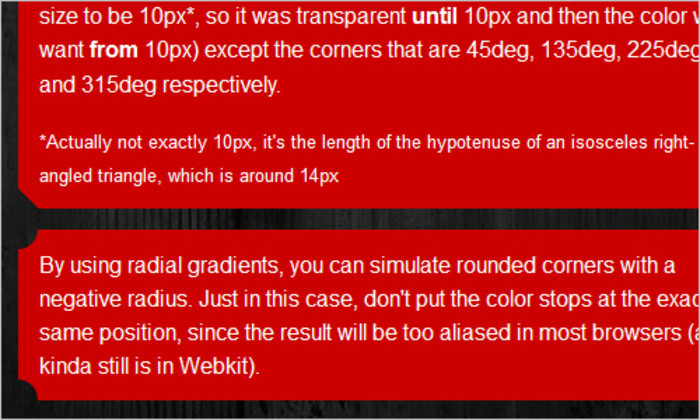
Beveled corners and simulate negative border radius without images, by utilizing CSS3 gradients once again — Lea Verou is amazed by how many CSS problems can be solved with gradients alone. Works on Firefox 3.6+, latest Webkit Nightly builds, Chrome and Opera 11.10.
Flexible Height Vertical Centering With CSS, Beyond IE7
Roger Johansson shares his thoughts on how to improve centering an element both horizontally and vertically with the display:table alternative.
Coding up a semantic, lean timeline
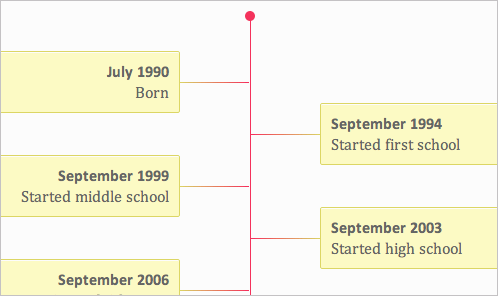
This article tells you how to create a semantic lean timeline.
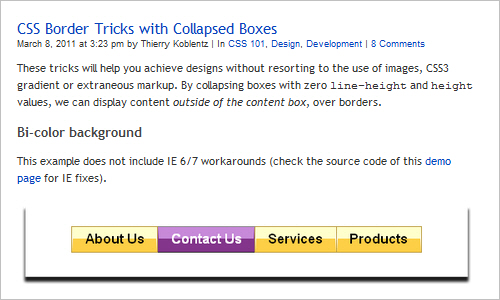
CSS Border Tricks with Collapsed Boxes
These border tricks tricks will help you to display content outside of the content box, over borders, without the use of images, CSS3 gradients or extraneous markup.
Quick Tip: Nonintrusive CSS Text Gradients
Jeffrey Way shows some ways for creating pure CSS text-gradients with a bit of trickery. The key is to use a mix of attribute selectors, webkit-specific properties, and custom HTML attributes.

Bokeh with CSS3 Gradients
Divya Manian uses the CSS gradients and shows the results of his work on a project which uses a bunch of circles as a decorative background.

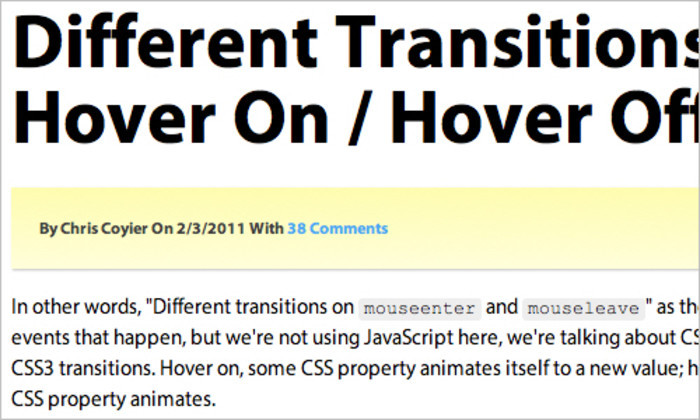
Different Transitions for Hover On / Hover Off
Chris Coyier tries to acchieve “different transitions on mouseenter and mouseleave”, but he isn’t using JavaScript here; we’re talking about CSS :hover state and CSS3 transitions. Hover on, some CSS property animates itself to a new value; hover off, a different CSS property animates.
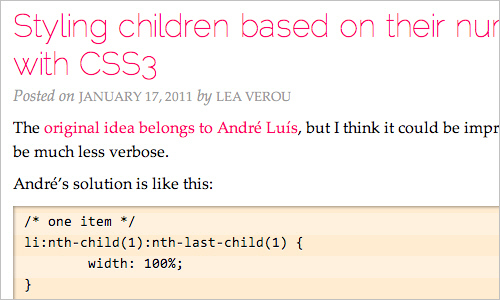
Styling children based on their number, with CSS3
Lea Verou shows how to style children of elements based on their total number (that is, their total count).
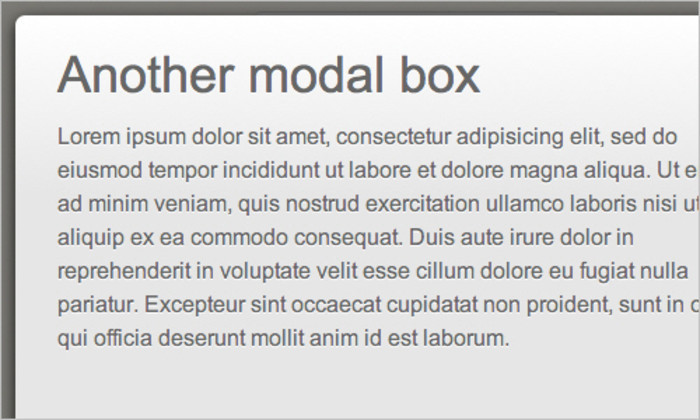
CSS Modal
Using CSS3 techniques a modal box can be created without JavaScript or images. With a bit of animation, transition and transform, it can be made that little bit more special. The problem: when you hit the “Back”-button after the modal has popped up and was closed, you’ll see the modal again. But maybe you’ll come with a way to fix it?
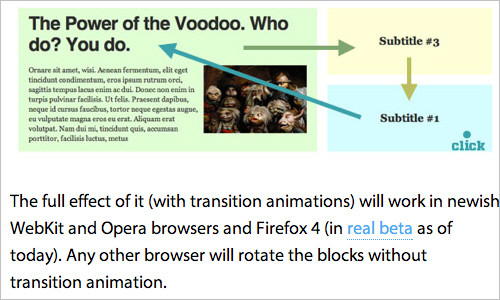
Rotating Feature Boxes
The full effect of it (with transition animations) will work in newish WebKit and Opera browsers and Firefox 4 (in real beta as of today). Any other browser will rotate the blocks without transition animation.
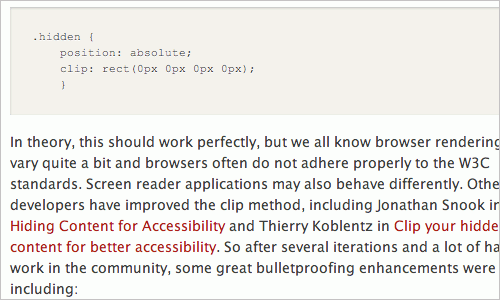
When and How to Visually Hide Content
Visually hiding content on a web page, usually textual content, is at times a viable technique in web design and development. It can be done for several reasons, most importantly, to improve the experience of a screen reader user. Other reasons include improving readability when CSS cannot be rendered, and improving search engine optimization (SEO). Other exaples about using the Visually Hide Content are shown in this article.
How to avoid common CSS3 mistakes
The new features of CSS3 bring with them complexity and new things for us to screw up. This article will help keep us in check as we start using these new features.
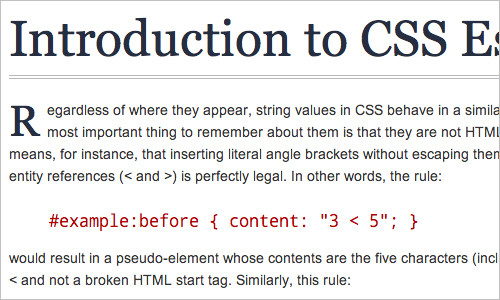
Introduction to CSS Escape Sequences
Escape sequences are useful because they allow style sheet authors to represent characters that would normally be ignored or interpreted differently by traditional CSS parsing rules. In this article Mert Tol shows how to use these sequences.
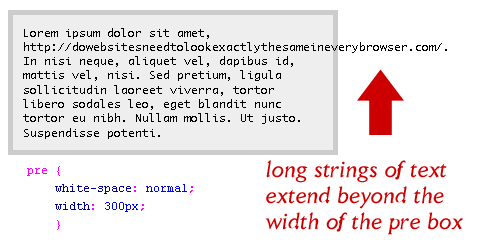
Wrapping Long URLs and Text Content with CSS
To wrap long URLs, strings of text, and other content, you can just apply a carefully crafted chunk of CSS code to any block-level element .
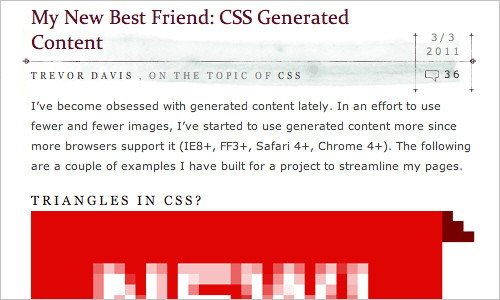
CSS Generated Content
Trevor Davis shows on some examples what you can do with the CSS generated content.
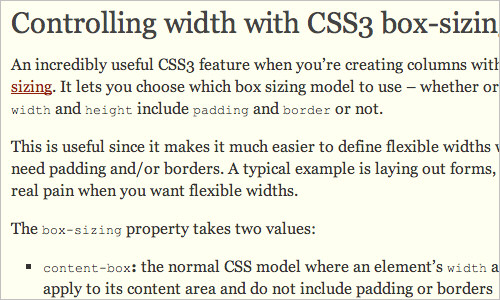
Controlling width with CSS3 box-sizing
An incredibly useful CSS3 feature when you’re creating columns with floats is box-sizing. It lets you choose which box sizing model to use – whether or not an element’s width and height include padding and border or not. It makes it much easier to define flexible widths where you also need padding and/or borders. A typical example is laying out forms, which can be a real pain when you want flexible widths.
Revisit Hardboiled CSS3 Media Queries
Shi Chuan takes a close look at boilerplates and helps us understand the math we need to tweak the width required for a good resolution to any particular device.
iPad Orientation CSS
Keith Chu revises Cloud Four’s work and finds a way to alleviate extra HTTP requests, not iPad-specific as well as lack of reusability. In this post, he shares with us his proposed revision to the iPad orientation CSS.
CSS Value Lengths, Times, Frequencies and Angles
In this article the authors go over all the math type units that can be applied as property values in CSS.
CSS Tools
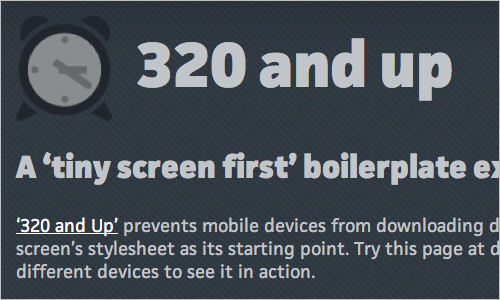
320 and up
‘320 and Up’ prevents mobile devices from downloading desktop assets by using a tiny screen’s stylesheet as its starting point. Try this page at different window sizes and on different devices to see it in action.
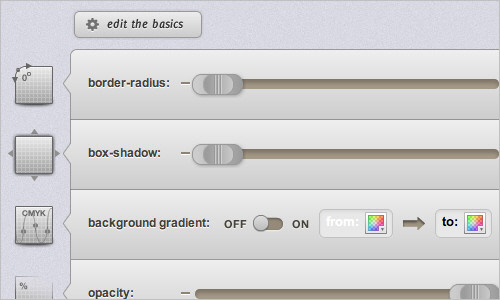
CSS3 Generator – By Eric Hoffman and Peter Funk
This generator was proudly designed by Eric Hoffman and coded by Peter Funk.
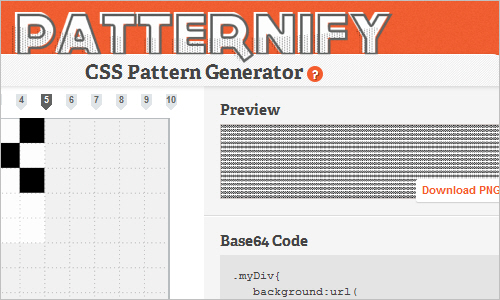
CSS Pattern Generator
Patternify is a simple pattern generator that enables you to not only build your patterns online, but export them with the base64 code, so you don’t even need an image file anymore. Just include the code in your CSS and you’re ready to go. Created by Sacha Greif.
Griddle.it – Web page alignment made easy
A clean and simple way to help align your layouts. No complex grid frameworks necessary.Just put your dimensions after our URL to get a background guide image to work with in your browser. Grids are created on the fly, so any combination should work.
The 1140px Grid: Fluid down to mobile
The 1140 grid fits perfectly into a 1280 monitor. On smaller monitors it becomes fluid and adapts to the width of the browser.
Fighting the @font-face FOUT
Paul Irish’s 2011 update for the @font-face FOUT issue. Good news: Firefox 4 has no FOUT, IE9 does, and FOUT-b-GONE will help you out with that.
CSS3 Github Buttons
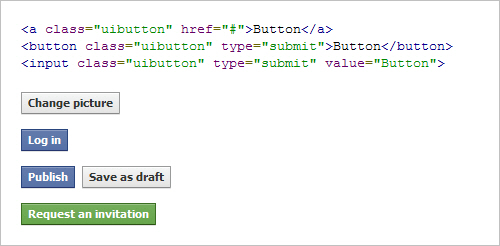
CSS3 Buttons is a simple framework for creating good-looking GitHub style button links.
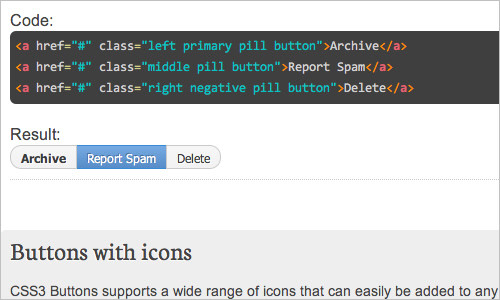
CSS3 Facebook Buttons
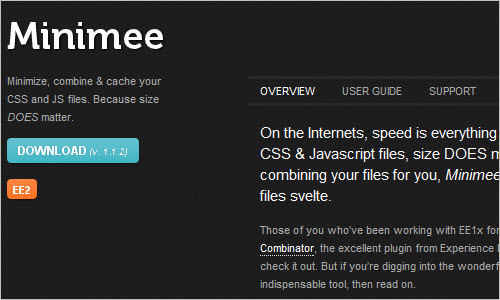
Minimee
On the Internets, speed is everything – which means that when it comes to CSS & Javascript files, size DOES matter. By automatically minimizing and combining your files for you, Minimee takes the heavy lifting out of keeping your files svelte.
Live.js
one script closer to designing in the browser.
Bootstrap.less
Bootstrap is a pack of mixins and variables to be used in conjunction with LESS, a CSS preprocessor for faster and easier web development.
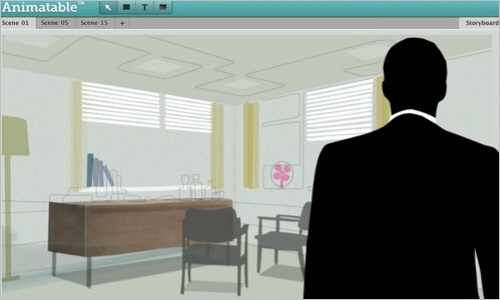
Animatable: Create CSS3 animations and advertising for Webkit browsers
Animatable is the easy way to create CSS3 animations and advertising for Webkit browsers on any platform or device — including Android, BlackBerry, iOS and WebOS.
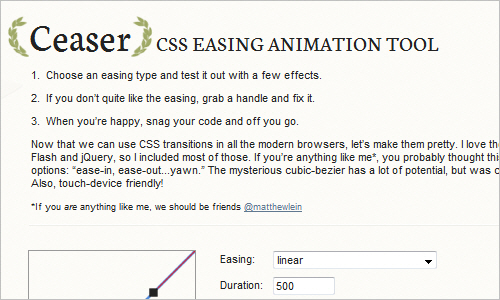
Ceaser: CSS Easing Animation Tool
Ceaser is an CSS Easing Animation Tool.
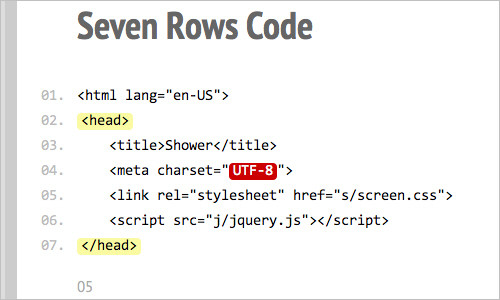
Shower
This is provided without warranty, guarantee, or much in the way of explanation.
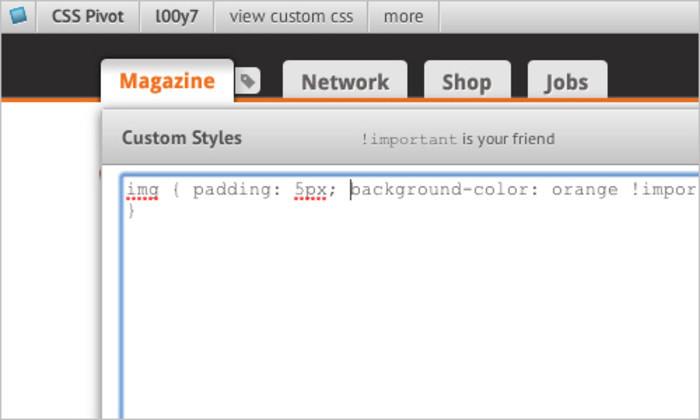
CSS Pivot
This tool allows you to add CSS styles to any website, and share (and adjust) the result with a short link.
Roots WordPress Theme
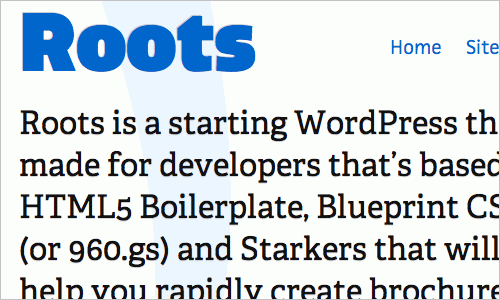
Roots is a starting WordPress theme made for developers that’s based on HTML5 Boilerplate, Blueprint CSS (or 960.gs) and Starkers that will help you rapidly create brochure sites and blogs.
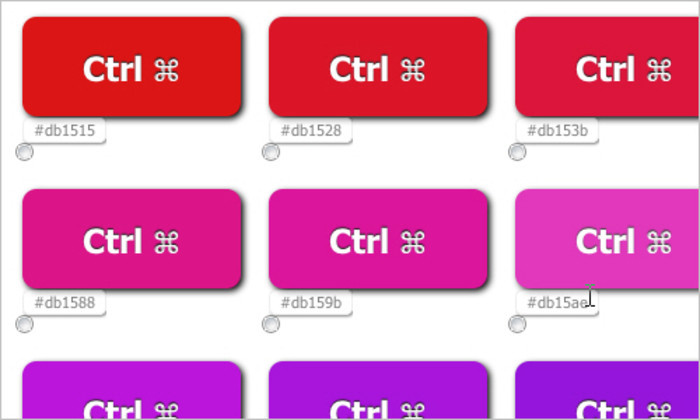
Free Online CSS3 Typeset Style Generator
An advanced generator of CSS buttons; the tools allows you to define font and color variations, shadows, borders, corners etc.
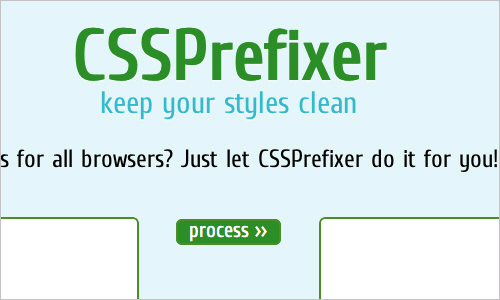
CSSPrefixer
You hate writing vendor prefixes for all browsers? The CSSPrefixer does it for you.
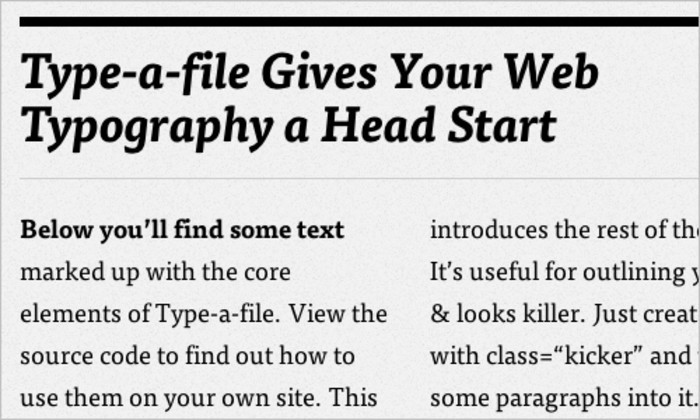
Type-a-file
This tool will give your Web typography a head start. Type-a-file is essentially a small collection of CSS stylesheets with heavy focus on rich and beautiful typography. The tool uses Typekit to preview the stylesheets, so if you have a Typekit-account, you could purchase the font license and have exact the same typography on your website.
A Best Practice Baseline for Your Mobile Web App
Mobile Boilerplate is your trusted template made custom for creating rich and performant mobile web apps. You get cross-browser consistency among A-grade smartphones, and fallback support for legacy Blackberry, Symbian, and IE Mobile.

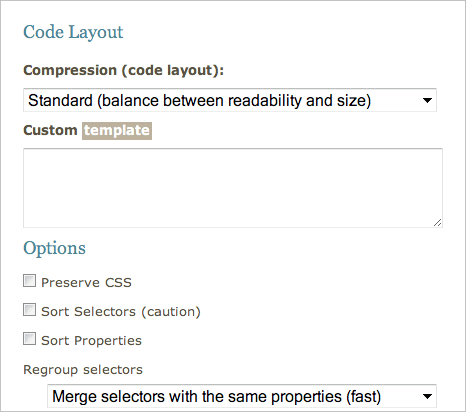
Code Beautifier
This tool allows you to format, clean up and optimize your stylesheets.
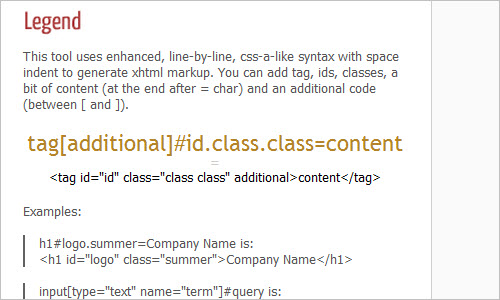
Markup Generator
Markup Generator is a simple tool created for HTML/CSS coders that are tired of writing boring frame code at the very beginning of slicing work.
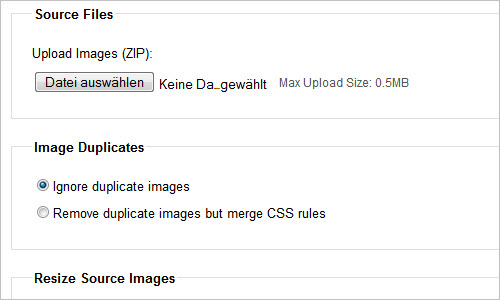
CSS Sprite Generator
This tool allows you to create and maintain your CSS sprites.
Respond
A fast & lightweight polyfill for min/max-width CSS3 Media Queries (for IE 6-8, and more)
Adapt.js – Adaptive CSS
Adapt.js simply checks the browser width, and serves only the CSS that is needed, when it is needed.
Firmin, a JavaScript animation library using CSS transforms and transitions
Firmin is a JavaScript animation library that uses CSS transforms and transitions to create smooth, hardware-accelerated animations.
Command-line CSS spriting
The author shows, how to create CSS sprites from the command line alone.
Last Click
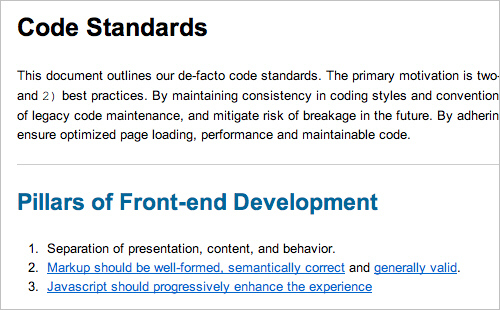
Code Standards
This document contains normative guidelines for web applications built by the Interface Development practice of Isobar North America (previously Molecular). It is to be readily available to anyone who wishes to check the iterative progress of our best practices.
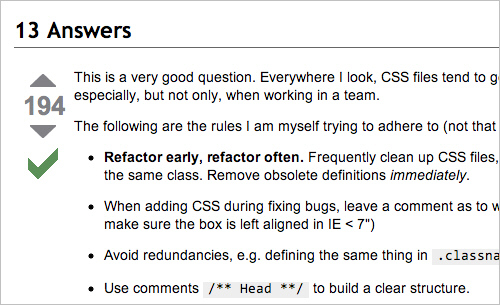
How to Manage CSS Explosion
A very useful thread on StackOverflow on how to keep CSS files organized and clean.
Related Posts
CSS: Innovative Techniques and Practical Solutions
The main goal of the article is to present powerful new CSS techniques, encourage experimentation in the design community and push CSS forward.
(vf) (ik)


Jamie
April 18th, 2011 6:45 amIngenious solutions to problems that don’t exist.
Web Programming 360
April 18th, 2011 12:25 pmSomeone either did not read the article :( or doesn’t know anything about CSS.
Lucas
April 26th, 2011 1:14 amHow do you know problems don’t exist? Are you the head of every single project ever projected?
Also innovation and ideas don’t need problems to surface. That mentality is for unseasoned developers who believe “what ain’t broken needn’t fixing”, unfortunatly this is a constantly evolving environment and yes, it needs to accompany the times.
Great comment. Million dollar value.
Vladimir Carrer
April 18th, 2011 7:08 amReally nice collection of new CSS Tools. I recently created Child Selector System – CSS Framework http://code.google.com/p/child-selector-css-system/ that can be potentially added to this list.
SlowX
April 18th, 2011 7:29 amWOW that’s a LOT of info!
Good stuff, just a bit overwhelming. Might be best if you don’t post any more articles this month. ;)
Ferdy
April 18th, 2011 7:39 amGood overview but indeed way too long. I allways find such long overviews and lists to beat their purpose. They even induce stress. You don’t want to read it to the end yet you are afraid to miss something, so it puts on a reading burden. Why not the 10 best new techniques and call it a day? That makes things manageable. People can read it and dive deeper into individual entries, perhaps even try some things. Now few will, because there are a hundred to go through.
You’re supposed to make the task of informing ourselves easier, not harder.
Vitaly Friedman
April 18th, 2011 9:00 amFerdy, CSS round-ups like this one are published once every 4 months or so. We think it’s better to publish a “state of the art” piece every now and again rather than publishing 10 best new techniques every week. So you could bookmark it and get back to the page in a couple of days when you have more time.
I do see your point, however. Let me see what I can do to keep these round-ups shorter next time.
ilovecss
April 18th, 2011 7:56 pmI like current form of roundup.
Even if I cannot enjoy entire article at once, I know I can check it later.
If some awesome example was half-remembered, I know exactly where it can be found (searching it over 10 recent short articles would be super-annoying).
Internet has a lot of shorter blog articles like “latest 5 clever front-end tricks”, this wide scope approach makes SM content more unique.
frontendesign
April 19th, 2011 7:37 amI totally agree, that’s what make (these type of loooong and informative articles) Smashing Magazine, unique. Just bookmark one Loooong article and you are done , Cheers :)
Matt
April 19th, 2011 7:37 amYesterday this post included a link to a fullscreen photo background technique but it seems to have been removed from the article today. Do you still have that link?
rgbatson
April 21st, 2011 3:55 pmExcellent, sound and imaginative work.
The Longer the better!
Shauna
April 29th, 2011 10:50 amJust to add my $.02, I like these for their reference purpose, but agree that for reading purposes, it’s too long. Perhaps a compromise could be implemented somehow? For example, maybe take the top couple in each category, then provide a way to view more? Or just some simple way to see “the best,” then “the rest”?
Lane
May 23rd, 2011 12:20 pmWhat about splitting it into two posts:
Powerful new CSS techniques
Powerful new CSS tools
OrganizedFellow
January 13th, 2012 10:23 amI actually enjoy the length of the articles.
But I would like to see a way to bookmark or link to a particular subject in the long list. Maybe some anchor links?
Maybe a small expandable accordion Table Of Contents linking to the anchors?
That way it would be simpler to get back to the article without losing ones place.
Gabe da Silveira
April 18th, 2011 3:13 pmI feel you, but respectfully disagree. I like the comprehensive roundup. It serves as a good reference for years to come. If the curation was more aggressive then I would actually have to spend more time aggregating other resources. Keep up the good work guys, this is awesome.
f055
April 18th, 2011 7:43 amGreat listings, I see at least a handful of techniques applicable to my latest projects. Thanks!
Matt Ritter
April 18th, 2011 7:43 amSo much awesomeness. I need to find a way to way to implement a bunch of these things I’m seeing for the first time.
Alan Vitek
April 18th, 2011 7:59 amI’ve recently become very intimated by all the new CSS stuff, but you break it down well. I don’t mind that the article is really long… if anything, its easier for me because I can track down all of this stuff later from a single page.
Thanks!
Dan Sacket
April 18th, 2011 8:00 amFound some gems in that post. Some great pieces to play with for some future projects.
Brent
April 18th, 2011 8:11 amSimply fantastic overview from the current state of CSS ! Rockin’ good, thanks !
Kevin Haggerty
April 18th, 2011 8:14 amWow very long, exhaustive list of recent CSS developments. You forgot the first CSS3 Animation Designer, Edit Room. Live development prototype available at http://www.edit-room.com/ by yours truly. ! Webkit only supported so far, let me know when other browser support CSS3 Animations, and they will be supported as well.
Nils Rasmusson
April 18th, 2011 8:15 amExcellent resources. Thanks for gathering them together. Bookmarked.
Sean Millis
April 18th, 2011 9:19 amVitaly and Team,
Keep up the great work. And thanks for being so thorough.
Anthony Calzadilla
April 18th, 2011 9:20 amA little “Behind the Scene’s” of the Mad Manimation used on animatable http://www.anthonycalzadilla.com/2011/04/behind-the-scenes-of-mad-manimation/
celsius
April 18th, 2011 9:21 amawesome, inspiring collection. keep ‘em coming.
Darren Coxall
April 18th, 2011 9:58 amFantastic collection. I learned a lot from it so thank you. It’s fantastic to see how much CSS has changed and evolved.
hrobinett
April 18th, 2011 10:27 amI don’t know why people are complaining about this list being “too long”. Really? If you can’t handle this much awesomeness, simply do as Vitaly suggests by bookmarking it and returning another day.
I especially love the new css3 generator and Griddle.it. Thanks for putting all these great tools together!!
Rajendra
April 18th, 2011 10:34 amWonderful! Great learning. Thanks for consolidating it all together.
Couple of my CSS3 experiments :)
- http://bit.ly/f3JKu7 – Zero images nexus live wallpaper (for webkit)
- http://bit.ly/gS9mU3 – New Chrome Logo using CSS3
Andy Webber
April 18th, 2011 11:10 amGreat collection! Loads of new stuff here that I’ve not seen before. I’d like to see http://css3gen.com/ added to the list of useful CSS3 generators.
Dustin
April 18th, 2011 11:16 amWow, I’m featured in a Smashing Mag post hah. Thanks guys! :p
the other entries look nifty too. CSS really has come a long way since I started years ago. The future is looking pretty bright as well too.
Sina Iman
April 18th, 2011 11:48 amI made a tool to help migrate inline CSS styles to separate HTML and CSS.
http://cascader.co
Figured this was relevant.
Amarilis
April 18th, 2011 12:44 pmAmazing Stuff! Thanks for taking the time to gather up such useful information :)
thomas
April 18th, 2011 12:51 pmoh wow!
a really great compilation …
thank you so much, guys – very helpful
Jabbo126
April 18th, 2011 4:20 pmOMG, great article! Great resources, thanx SM!
Adolfo
April 18th, 2011 5:32 pmExcellent resources. Thanks for gathering them together. Bookmarked.
anil tiwari
April 18th, 2011 8:05 pmwow this is a good collection what I was always looking for. this is all in one. I loved this
Abdul Ahad
April 18th, 2011 9:22 pmOne thing that stops me from using these techniques and tools is browser comparability, will CSS 3 settle down “The browser war”?
Mikesh Vulco
April 18th, 2011 10:31 pmi agree with Abdul Ahad. But thanks for sharing this collection might become handy some time.
Art2code
April 18th, 2011 11:13 pmThx!! great work ! very usefull ;)
Niels Matthijs
April 19th, 2011 12:16 amI hope people will think twice before using many of the listed techniques above. While they are “cool”, many of them are based on horrendous hacks, hard to manage code and some are even completely inaccessible.
See, it’s cool to build a mac keyboard in css, but beyond the “matchstick cathedral” effect (dude must be crazy or have too much time on its hands), it serves no purpose whatsoever.
Some good bits at the bottom of the list though.
Prabaharan
April 19th, 2011 1:16 amREALLY GREAT!!….I have bookmarked this page & I’m gonna use these techniques in my new portfolio page. Keep on posting new CSS & HTML5 tricks…
Kanchan Rai
April 19th, 2011 3:58 amHey! a lot of good stuffs here!! had a peek at some of them already, but thanks for bringing all these together!!
Bookmarking this page now!! Saved me a lot of time bookmarking!!
Thanks
Sidd
April 19th, 2011 6:18 amHats off to Vitaly and the team.
I can’t image that time and effort it takes to bring out something like this. I really appreciate your commitment to quality and not to anything that is even remotely fly-by-night.
Round-ups like these remain references for a long time.
I am sure many will keep moving back and forth between this article to fork out something useful every time, including me.
Kars
April 19th, 2011 6:26 amGreat resources, thanks for sharing. When I’m on a project I forget to use half of these tools. How do you guys do that, have some kind of toolbox or startpage for this, or just keep them in your bookmarks?
Also, is it my internet, or is the stuffandnonsense site down (for 320 and up)?
Sidd
April 19th, 2011 7:42 amstuffandnonsense did die for a while. They are up now !
The SM effect kills many websites.
But surprising they are hosted on mediatemple !!
adelacreative
April 19th, 2011 8:05 amGreat post like always!
Axcell Van
April 19th, 2011 10:43 amExcellent resources! The 3d effects are simple to do and eye-catching! I’ll definitely be using this article as reference for my future projects.
Adam
April 19th, 2011 12:51 pmThanks for the plethora of CSS resources!
Sementiy
April 19th, 2011 1:44 pmThat’s unbelievable! nice ) Thanx a lot
Vijaykumar
April 19th, 2011 7:58 pmLot of information thanks for sharing…
Jacob
April 20th, 2011 1:45 amNooooo! Not more awesome links! *covered by avalanche of stylesheets*
… Anyway this is a great roundup of new stuff, most of which I’ve never seen before (which is always great).
Anton Grakhov
April 20th, 2011 2:12 amFor the key “Caps Lock” could be done switch LED :)
Gordon
April 20th, 2011 2:42 amIt’s a very interesting looking article, but unfortunately rather long so I only had time to skim it. It might be worth breaking such long articles down by some kind of subcategory and publishing it as 2 or 3 shorter articles instead.
Fab
April 20th, 2011 9:01 amLol, this looks like a collection of flash tutorials 10 years ago. ;)
fabisstupid
April 21st, 2011 4:05 amlot of interesting stuff. I would break it down into a series so ppl don’t get boggled down with info. overload.
good stuff! i’ll come back.
Jeremiah R
April 22nd, 2011 2:26 amThat is just absolutely amazing! I am really behind the curve and need to get with the program on css3 obviously. My favorite was the “Planeterium” or Planet effect, absolutely amazing, it was almost to good to be true. If you would of showed me that and asked me what it was made in without telling me I would of said FLASH no doubt. Very nice editorial.
Jeremiah
Chairman & CEO
thenerdblurb.com
Srinidhi
April 22nd, 2011 3:41 amI just don’t have words to describe it thank u very much
A2daK
April 22nd, 2011 6:43 amThe 19th of April was my birthday and this post feels like a birthday present. Well done Smashing Mag! Quality over quantity…
No matter how many times I look at the css code for background patterns I still cant get my head around it. (That’s cos it uses js for the magic)
ratesman
April 22nd, 2011 3:05 pmGreat post, thanks :)
Sandra
April 23rd, 2011 8:28 amWOW, that’s amazing, specially the backgrounds with css gradients.
tobelieve
April 25th, 2011 10:58 pmAmazing
Praharsh.R.J
April 26th, 2011 5:53 amThanks
Found some interesting information on the post. thanks for sharing such a huge information
Regards
Praharsh
Joseph Plus
April 26th, 2011 6:53 amAmazing set of tools and techniques! Thanks so much for all the info!!!
Jeremiah R.
April 28th, 2011 2:06 amGreat post, I don’t know if you saw the CSS Benchmark that was done between CSS3 and CSS on wired recently but it was pretty much “dead on” with what you are saying, “whoever the author is here…” Great post and I really am totally intrigued by the new abilities, capabilites I should say, and of course the “load time” with CSS3, it’s truly been a “game changer,” as some would say.
Great post!
Jeremiah R.
Kim
April 29th, 2011 5:34 amAs someone who plays many roles during the day, front-end dev, interaction designer, information architect, project manager, etc, etc… I can’t say thank you enough for putting these lists together for me. Thank you thank you thank you.
imaginepaolo
May 9th, 2011 9:59 amGreat article… we thing is the best for CSS programmers…
Gilberto Ramos
May 18th, 2011 12:25 pmBookmarked! Thanks a ton.
Hellonemo
May 22nd, 2011 6:17 amGreat CSS, that CSS will help me to make websites.
I like it, thank you so much.
Onur
June 2nd, 2011 2:01 pmYou need to try http://webarti.com/best-CSS3-button-maker/ too. This is a new CSS3 tool that allows you to create stylish buttons, boxes etc. I think, it deserves to be listed in this collection.
Susan
July 22nd, 2011 12:28 pmA slight correction for this rather useful article – Divya Manian is a woman I believe.
shlaala
August 2nd, 2011 7:43 pmGreat post, I don’t know if you saw the CSS Benchmark that was done between CSS3 and CSS on wired recently but it was pretty much “dead on” with what you are saying, “whoever the author is here…” PPT to videoGreat post and I really am totally intrigued by the new abilities, capabilites I should say, and of course the “load time” with CSS3, it’s truly been a “game changer,” as some would say.